IMAGES
Image File Upload
Uploading your image files to DDC is a snap! But be sure to choose the proper directory to upload. If you're not sure, ask! Once uploaded, simply click the Get Link to Image button and paste it into your html!
Image Border Class
The preferred method to insert photos is to include the border class (as demonstrated below), but use your best judgment according to your page layout. Be sure to insert an accurate description of the image into the ALT tag! TITLE tags can add helpful tips for users and calls to action, but are not necessary unless you feel it would provide value.
NOTICE: If you happened to apply a float class to an image on the desktop version of the site, it will be cleared on the mobile version and adjusted to span the full width of the display. Example demonstrated below.

<img class="border" alt="#" title="#" width="#" height="#" src="#" />Image Border Class w/ Float Applied
*TipNotice the outcome is the same regardless of the presence of a float class.
<img class="border floatRight" alt="McGrath Service Department" title="Schedule your next appointment today!" width="440" height="325" src="https://pictures.dealer.com/m/mcgrathgroup/0414/2f2f6a9e8af0f9460ad09d6e58b4e007x.jpg" />Image Lightbox
To add lightbox functionality to your photos, all you have to do is add the attribute data-lightbox to any image link, and for the value, enter in a unique name for each image. Demonstrated below. To add a caption to your image, use the attribute data-title and enter your caption as the value.
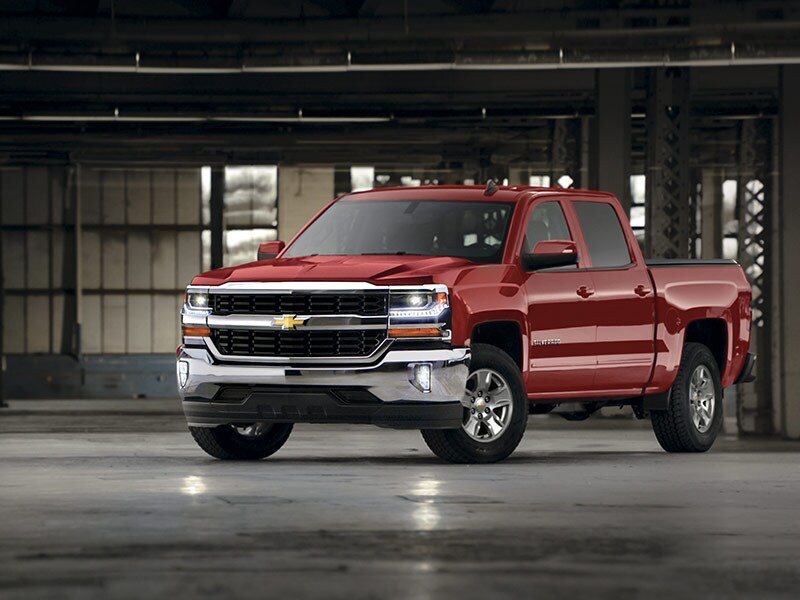
<a data-title="#" href="https://pictures.dealer.com/m/mcgrathgroup/0096/c69e4c3f1cd2b40cefd7cdb02ff4de9cx.jpg" data-lightbox="silverado-01">
    <img class="border" src="https://pictures.dealer.com/m/mcgrathgroup/0096/c69e4c3f1cd2b40cefd7cdb02ff4de9cx.jpg" alt="" />
</a>
Image Lightbox from Text
You can also open an image in a lightbox via a text link! If you would like to provide additional context or demonstrate a key feature you're describing in your text, simply use the following technique!
Wafer danish liquorice cookie sweet sweet. Croissant sugar plum chocolate cake. Halvah chocolate cake cake bear claw gingerbread. Chocolate bar topping chocolate cake chocolate croissant. Topping toffee cookie. Apple pie wafer jelly-o cookie cheesecake cookie apple pie tart candy canes. Halvah bear claw candy canes. It has survived not only five centuries, but also the leap into electronic typesetting, remaining essentially unchanged.
<p>Wafer danish <a data-title="Caption goes here" href="https://pictures.dealer.com/m/mcgrathgroup/0096/c69e4c3f1cd2b40cefd7cdb02ff4de9cx.jpg" data-lightbox="silverado-set-03">liquorice cookie</a> sweet sweet.</p>Image Row with Lightbox
If you have a group of related images that you would like to combine into a set, use the same data-lightbox attribute value for all of the images. To add a caption to your image, use the attribute data-title and enter your caption as the value. Demonstrated below.
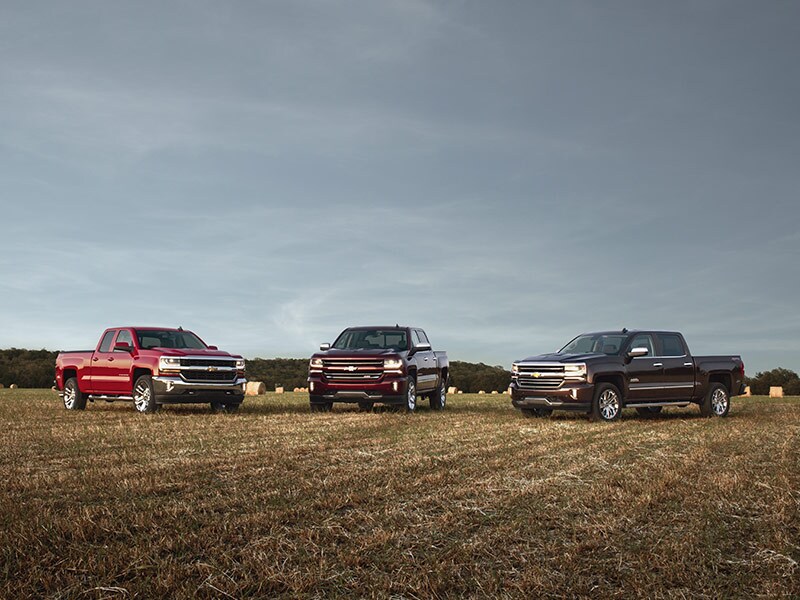
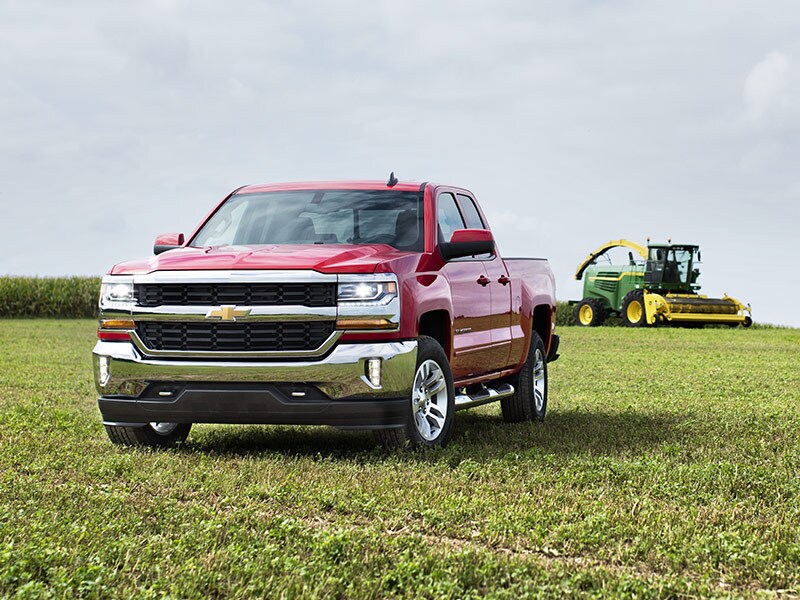
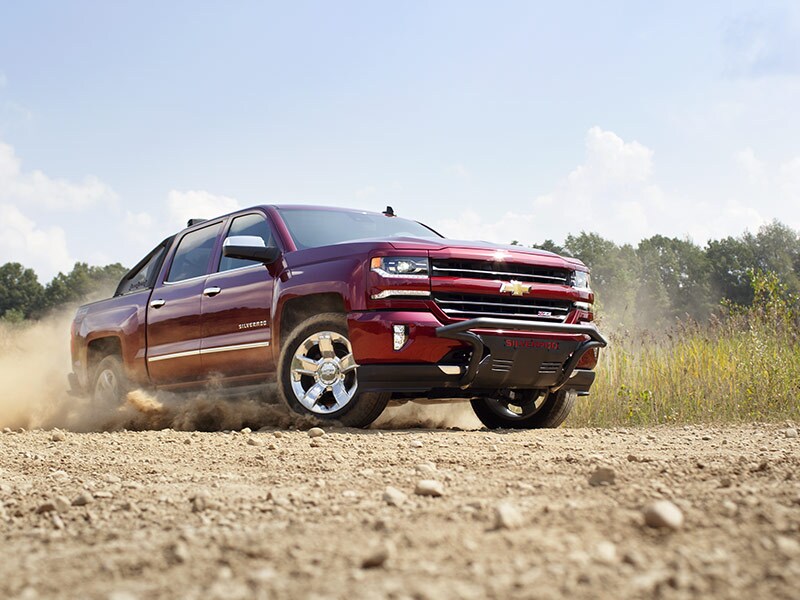
<div class="fourColumns">
    <div>
        <a data-title="#" href="https://pictures.dealer.com/m/mcgrathgroup/0096/c69e4c3f1cd2b40cefd7cdb02ff4de9cx.jpg" data-lightbox="silverado-set-01">
            <img class="border" src="https://pictures.dealer.com/m/mcgrathgroup/0096/c69e4c3f1cd2b40cefd7cdb02ff4de9cx.jpg" alt="" />
        </a>
    </div>
    <div>
        <a data-title="#" href="https://pictures.dealer.com/m/mcgrathgroup/0032/7c11f7d6798fd19e9a7fc7c2cdaca798x.jpg" data-lightbox="silverado-set-01">
            <img class="border" src="https://pictures.dealer.com/m/mcgrathgroup/0032/7c11f7d6798fd19e9a7fc7c2cdaca798x.jpg" alt="" />
        </a>
    </div>
    <div>
        <a data-title="#" href="https://pictures.dealer.com/m/mcgrathgroup/1708/f5251a54641184564a1b2d370af05177x.jpg" data-lightbox="silverado-set-01">
            <img class="border" src="https://pictures.dealer.com/m/mcgrathgroup/1708/f5251a54641184564a1b2d370af05177x.jpg" alt="" />
        </a>
    </div>
    <div>
        <a data-title="#" href="https://pictures.dealer.com/m/mcgrathgroup/1257/e6248a21052634d772ca23cc85b94bd5x.jpg" data-lightbox="silverado-set-01">
            <img class="border" src="https://pictures.dealer.com/m/mcgrathgroup/1257/e6248a21052634d772ca23cc85b94bd5x.jpg" alt=""/>
        </a>
    </div>
</div>
Horizontal Scrolling Gallery
This feature is not intended for the mobile environment, so please replace it with a simplified approach as demonstrated above.
