*Tip Before inserting code into the DDC page editor, you must compress it. You can do that by using this tool
IMAGES
Image File Upload
Uploading your image files to DDC is a snap! But be sure to choose the proper directory to upload. If you're not sure, ask! Once uploaded, simply click the Get Link to Image button and paste it into your html!
Image Syntax & Sizing
When inserting an image into your page, there are a few things to consider:
- Alt Tag: Your alt tag should accurately describe what is photo or image actually is.
- Title Tag: The title tag is what appears when you hover your mouse over the image. It is not required, but can be used as a helpful tip or informative statement for users.
- Width & Height Tags: It is important you define the width and height of every image you insert. However, make sure you're using the dimensions for the image at full size! If you choose to reduce the size of your image, you can do so, but must be through the image's style or class tags, as demonstrated below. Do not reduce your image's size by changing the width and height tags.
- Be sure your image is no more than 1200px wide! If you intend to use your image in a lightbox, 1200px wide is recommended. However, if you know you will not be using it for a lightbox, it is recommended you scale your image to the size it will be displayed before you upload it. Do not increase the size of your image beyond its original dimensions!
- For Mobile your sizing classes will not translate. All images will go to full width. It is also recommended that you make alternate versions of your large images for mobile, and should be 600px wide.
Standard Image Syntax

<img alt="#" title="#" width="600" height="400" src="https://pictures.dealer.com/m/mcgrathgroup/0414/2f2f6a9e8af0f9460ad09d6e58b4e007x.jpg" />Image Sizing Classes
One Fourth Width Image
<img alt="#" title="#" width="600" height="400" class="oneFourth" src="https://pictures.dealer.com/m/mcgrathgroup/0414/2f2f6a9e8af0f9460ad09d6e58b4e007x.jpg" />One Third Width Image
<img alt="#" title="#" width="600" height="400" class="oneThird" src="https://pictures.dealer.com/m/mcgrathgroup/0414/2f2f6a9e8af0f9460ad09d6e58b4e007x.jpg" />One Half Width Image
<img alt="#" title="#" width="600" height="400" class="oneHalf" src="https://pictures.dealer.com/m/mcgrathgroup/0414/2f2f6a9e8af0f9460ad09d6e58b4e007x.jpg" />Two Thirds Width Image
<img alt="#" title="#" width="600" height="400" class="twoThirds" src="https://pictures.dealer.com/m/mcgrathgroup/0414/2f2f6a9e8af0f9460ad09d6e58b4e007x.jpg" />Full Width Image
<img alt="#" title="#" width="600" height="400" class="fullWidth" src="https://pictures.dealer.com/m/mcgrathgroup/0414/2f2f6a9e8af0f9460ad09d6e58b4e007x.jpg" />Image Border Class
The preferred method to insert photos is to include the border class (as demonstrated below), but use your best judgment according to your page layout. Not recommending for full-width photography or hero images. Be sure to insert an accurate description of the image into the ALT tag! TITLE tags can serve as helpful tips and calls-to-action for users, but are not necessary unless you feel it would provide value.
<img class="border" alt="#" title="#" width="#" height="#" src="#" />Image Floats
Image with border & floatLeft Class
Wafer danish liquorice cookie sweet sweet. Croissant sugar plum chocolate cake. Halvah chocolate cake cake bear claw gingerbread. Chocolate bar topping chocolate cake chocolate croissant. Topping toffee cookie. Apple pie wafer jelly-o cookie cheesecake cookie apple pie tart candy canes. Halvah bear claw candy canes. It has survived not only five centuries, but also the leap into electronic typesetting, remaining essentially unchanged.
Lorem Ipsum is simply dummy text of this is a span with the class of underline the printing and typesetting industry. Lorem Ipsum has been the this is a span with the class of allCaps ever since the 1500s, when an unknown printer took a galley of type and scrambled it to make a type specimen book. It has survived not only five centuries, but also the leap into electronic typesetting, remaining essentially unchanged. It was popularised in the 1960s with the release of Letraset sheets containing Lorem Ipsum passages, and more recently with desktop publishing software like Aldus PageMaker including versions of Lorem Ipsum.
<img class="border floatLeft" alt="#" title="#" width="600" height="400" src="https://pictures.dealer.com/m/mcgrathgroup/0414/2f2f6a9e8af0f9460ad09d6e58b4e007x.jpg" />Image with border & floatCenter Class
Wafer danish liquorice cookie sweet sweet. Croissant sugar plum chocolate cake. Halvah chocolate cake cake bear claw gingerbread. Chocolate bar topping chocolate cake chocolate croissant. Topping toffee cookie. Apple pie wafer jelly-o cookie cheesecake cookie apple pie tart candy canes. Halvah bear claw candy canes. It has survived not only five centuries, but also the leap into electronic typesetting, remaining essentially unchanged.
Lorem Ipsum is simply dummy text of this is a span with the class of underline the printing and typesetting industry. Lorem Ipsum has been the this is a span with the class of allCaps ever since the 1500s, when an unknown printer took a galley of type and scrambled it to make a type specimen book. It has survived not only five centuries, but also the leap into electronic typesetting, remaining essentially unchanged. It was popularised in the 1960s with the release of Letraset sheets containing Lorem Ipsum passages, and more recently with desktop publishing software like Aldus PageMaker including versions of Lorem Ipsum.
<img class="border floatCenter" alt="#" title="#" width="600" height="400" src="https://pictures.dealer.com/m/mcgrathgroup/0414/2f2f6a9e8af0f9460ad09d6e58b4e007x.jpg" />Image with border & floatRight Class
Wafer danish liquorice cookie sweet sweet. Croissant sugar plum chocolate cake. Halvah chocolate cake cake bear claw gingerbread. Chocolate bar topping chocolate cake chocolate croissant. Topping toffee cookie. Apple pie wafer jelly-o cookie cheesecake cookie apple pie tart candy canes. Halvah bear claw candy canes. It has survived not only five centuries, but also the leap into electronic typesetting, remaining essentially unchanged.
Lorem Ipsum is simply dummy text of this is a span with the class of underline the printing and typesetting industry. Lorem Ipsum has been the this is a span with the class of allCaps ever since the 1500s, when an unknown printer took a galley of type and scrambled it to make a type specimen book. It has survived not only five centuries, but also the leap into electronic typesetting, remaining essentially unchanged. It was popularised in the 1960s with the release of Letraset sheets containing Lorem Ipsum passages, and more recently with desktop publishing software like Aldus PageMaker including versions of Lorem Ipsum.
<img class="border floatRight" alt="#" title="#" width="600" height="400" src="https://pictures.dealer.com/m/mcgrathgroup/0414/2f2f6a9e8af0f9460ad09d6e58b4e007x.jpg" />Image Float Layout Issues
When using float effects on your images and web elements, it can frequently cause problems with subsequent elements and how they are arranged if not compensated for. We primarily use two methods to correct these issues, and these are explained below, but first let's take a look at an example of an uncleared float and what happens.
As you can see, the demo image has a float applied, but as there is nothing clearing the floated space, the strike through heading is trying to move up into the empty space following the paragraph text. This can impact your layout in many ways, so if something isn't being arranged in the way you expect, ask yourself, "Did I clear my floats?".
Wafer danish liquorice cookie sweet sweet. Croissant sugar plum chocolate cake. Halvah chocolate cake cake bear claw gingerbread. Chocolate bar topping chocolate cake chocolate croissant. Topping toffee cookie. Apple pie wafer jelly-o cookie cheesecake cookie apple pie tart candy canes. Halvah bear claw candy canes.
Strike Through Heading
<img class="border floatRight" alt="#" title="#" width="600" height="400" src="https://pictures.dealer.com/m/mcgrathgroup/0414/2f2f6a9e8af0f9460ad09d6e58b4e007x.jpg" />

<p>Paragraph with a class of large. Wafer danish liquorice cookie sweet sweet. Croissant sugar plum chocolate cake. Halvah chocolate cake cake bear claw gingerbread. Chocolate bar topping chocolate cake chocolate croissant. Topping toffee cookie. Apple pie wafer jelly-o cookie cheesecake cookie apple pie tart candy canes. Halvah bear claw candy canes.</p>

<h2 class="strikeThrough"><span>Strike Through Heading</span></h2>
One method of clearing your floats is by inserting an empty div with the class of "clearfix", which resets the positioning of the elements following the empty div to their natural state.
Wafer danish liquorice cookie sweet sweet. Croissant sugar plum chocolate cake. Halvah chocolate cake cake bear claw gingerbread. Chocolate bar topping chocolate cake chocolate croissant. Topping toffee cookie. Apple pie wafer jelly-o cookie cheesecake cookie apple pie tart candy canes. Halvah bear claw candy canes.
Strike Through Heading
<img class="border floatRight" alt="#" title="#" width="600" height="400" src="https://pictures.dealer.com/m/mcgrathgroup/0414/2f2f6a9e8af0f9460ad09d6e58b4e007x.jpg" />

<p>Wafer danish liquorice cookie sweet sweet. Croissant sugar plum chocolate cake. Halvah chocolate cake cake bear claw gingerbread. Chocolate bar topping chocolate cake chocolate croissant. Topping toffee cookie. Apple pie wafer jelly-o cookie cheesecake cookie apple pie tart candy canes. Halvah bear claw candy canes.</p>

<div class="clearfix"></div>

<h2 class="strikeThrough"><span>Strike Through Heading</span></h2>
Our second method is to group together elements that contain floats. Add the class of "group" to the div containing your elements, and all following elements will fall in their natural position. There are certain situations where one method is preferred over the other. Use your best judgment and ask questions if you're confused!
Wafer danish liquorice cookie sweet sweet. Croissant sugar plum chocolate cake. Halvah chocolate cake cake bear claw gingerbread. Chocolate bar topping chocolate cake chocolate croissant. Topping toffee cookie. Apple pie wafer jelly-o cookie cheesecake cookie apple pie tart candy canes. Halvah bear claw candy canes.
Strike Through Heading
<div class="group" >

	<img class="border floatRight" alt="#" title="#" width="600" height="400" src="https://pictures.dealer.com/m/mcgrathgroup/0414/2f2f6a9e8af0f9460ad09d6e58b4e007x.jpg" />

	<p>Wafer danish liquorice cookie sweet sweet. Croissant sugar plum chocolate cake. Halvah chocolate cake cake bear claw gingerbread. Chocolate bar topping chocolate cake chocolate croissant. Topping toffee cookie. Apple pie wafer jelly-o cookie cheesecake cookie apple pie tart candy canes. Halvah bear claw candy canes.</p>
</div>

<h2 class="strikeThrough"><span>Strike Through Heading</span></h2>
Image Lightbox
To add lightbox functionality to your photos, all you have to do is add the attribute data-lightbox to any image link, and for the value, enter in a unique name for each image. Demonstrated below. To add a caption to your image, use the attribute data-title and enter your caption as the value.
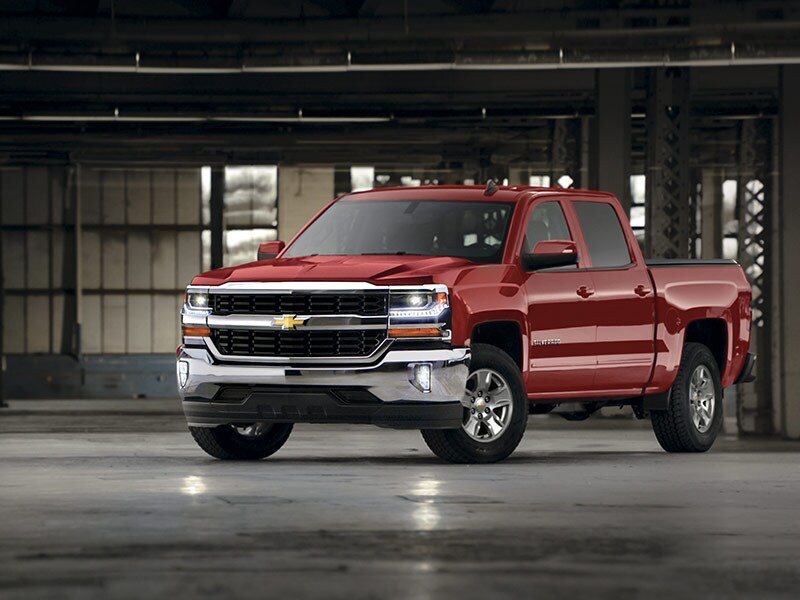
<a data-title="#" href="https://pictures.dealer.com/m/mcgrathgroup/0096/c69e4c3f1cd2b40cefd7cdb02ff4de9cx.jpg" data-lightbox="silverado-01">
    <img class="border" src="https://pictures.dealer.com/m/mcgrathgroup/0096/c69e4c3f1cd2b40cefd7cdb02ff4de9cx.jpg" alt="" />
</a>
Image Lightbox from Text
You can also open an image in a lightbox via a text link! If you would like to provide additional context or demonstrate a key feature you're describing in your text, simply use the following technique!
Wafer danish liquorice cookie sweet sweet. Croissant sugar plum chocolate cake. Halvah chocolate cake cake bear claw gingerbread. Chocolate bar topping chocolate cake chocolate croissant. Topping toffee cookie. Apple pie wafer jelly-o cookie cheesecake cookie apple pie tart candy canes. Halvah bear claw candy canes. It has survived not only five centuries, but also the leap into electronic typesetting, remaining essentially unchanged.
<p>Wafer danish <a data-title="Caption goes here" href="https://pictures.dealer.com/m/mcgrathgroup/0096/c69e4c3f1cd2b40cefd7cdb02ff4de9cx.jpg" data-lightbox="silverado-set-03">liquorice cookie</a> sweet sweet.</p>Image Row with Lightbox
If you have a of related images that you would like to combine into a set, use the same data-lightbox attribute value for all of the images. To add a caption to your image, use the attribute data-title and enter your caption as the value. Demonstrated below.
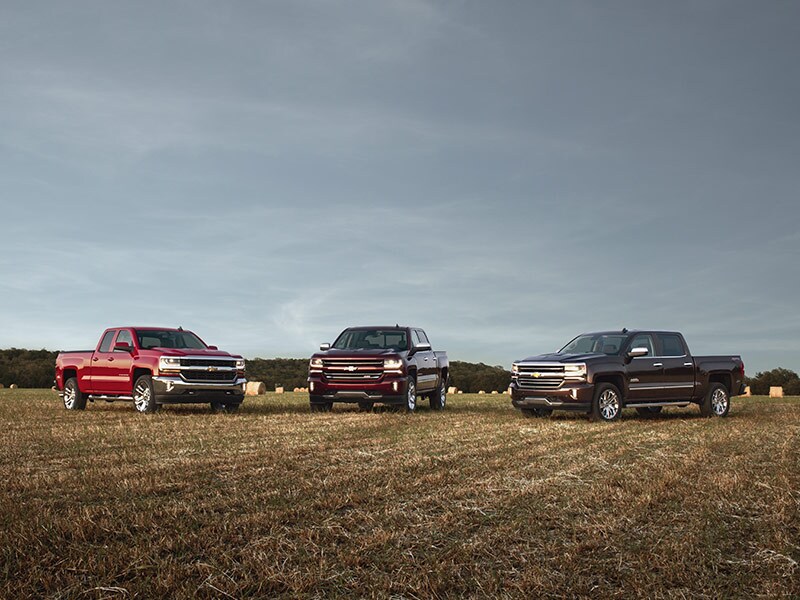
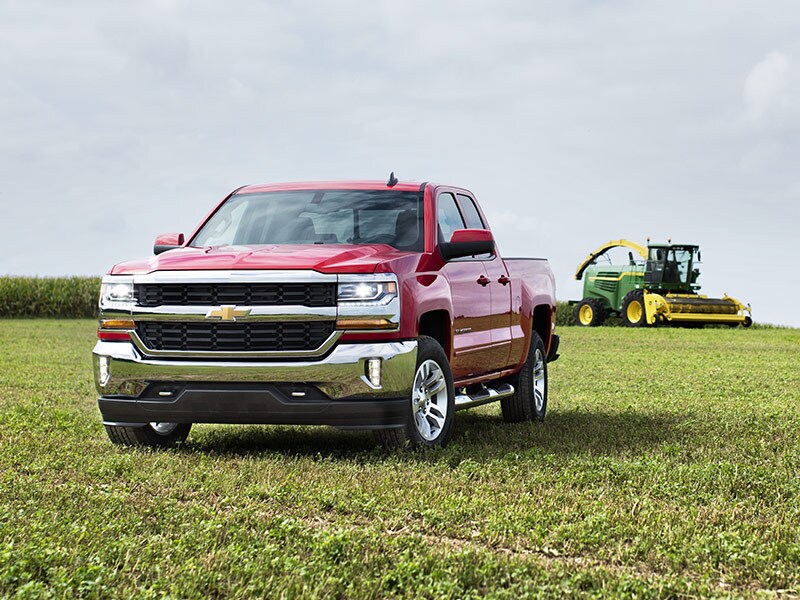
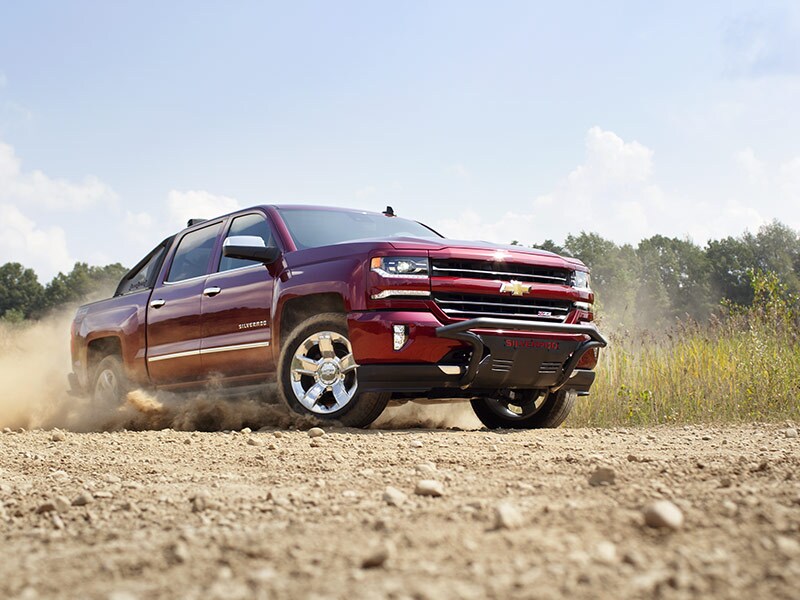
<div class="fourColumns">
	<div>
		<a data-title="#" href="https://pictures.dealer.com/m/mcgrathgroup/0096/c69e4c3f1cd2b40cefd7cdb02ff4de9cx.jpg" data-lightbox="silverado-set-01">
			<img class="border" src="https://pictures.dealer.com/m/mcgrathgroup/0096/c69e4c3f1cd2b40cefd7cdb02ff4de9cx.jpg" alt="" />
		</a>
	</div>
	<div>
		<a data-title="#" href="https://pictures.dealer.com/m/mcgrathgroup/0032/7c11f7d6798fd19e9a7fc7c2cdaca798x.jpg" data-lightbox="silverado-set-01">
			<img class="border" src="https://pictures.dealer.com/m/mcgrathgroup/0032/7c11f7d6798fd19e9a7fc7c2cdaca798x.jpg" alt="" />
		</a>
	</div>
	<div>
		<a data-title="#" href="https://pictures.dealer.com/m/mcgrathgroup/1708/f5251a54641184564a1b2d370af05177x.jpg" data-lightbox="silverado-set-01">
			<img class="border" src="https://pictures.dealer.com/m/mcgrathgroup/1708/f5251a54641184564a1b2d370af05177x.jpg" alt="" />
		</a>
	</div>
	<div>
		<a data-title="#" href="https://pictures.dealer.com/m/mcgrathgroup/1257/e6248a21052634d772ca23cc85b94bd5x.jpg" data-lightbox="silverado-set-01">
			<img class="border" src="https://pictures.dealer.com/m/mcgrathgroup/1257/e6248a21052634d772ca23cc85b94bd5x.jpg" alt=""/>
		</a>
	</div>
</div>
Horizontal Scrolling Gallery
For this feature, it is recommended you use a 4:3 aspect ratio for your photo crops. If you're not sure how to calculate those dimensions, use this and select the 4:3 ratio. If your photos exceed 800px wide, it is recommended to create an optimized thumbnail version of your image to use in the scroller and link to the full sized version of the image to expand in the lightbox. This demonstration uses the same image for both. This feature is only available on the desktop version of the site.
<div class="galleryScroller flexcroll">
	<ul>
		<li>
			<a data-title="Majestic as all hell." href="https://pictures.dealer.com/m/mcgrathgroup/0096/c69e4c3f1cd2b40cefd7cdb02ff4de9cx.jpg" data-lightbox="silverado-set-01">
				<img class="border floatCenter" src="https://pictures.dealer.com/m/mcgrathgroup/0096/c69e4c3f1cd2b40cefd7cdb02ff4de9cx.jpg" alt="" />
			</a>
		</li>
		<li>
			<a data-title="Take your pick of these sweet whips!" href="https://pictures.dealer.com/m/mcgrathgroup/0032/7c11f7d6798fd19e9a7fc7c2cdaca798x.jpg" data-lightbox="silverado-set-01">
				<img class="border floatCenter" src="https://pictures.dealer.com/m/mcgrathgroup/0032/7c11f7d6798fd19e9a7fc7c2cdaca798x.jpg" alt="" />
			</a>
		</li>
		<li>
			<a data-title="Farmers dig Silverado...big time." href="https://pictures.dealer.com/m/mcgrathgroup/1708/f5251a54641184564a1b2d370af05177x.jpg" data-lightbox="silverado-set-01">
				<img class="border floatCenter" src="https://pictures.dealer.com/m/mcgrathgroup/1708/f5251a54641184564a1b2d370af05177x.jpg" alt="" />
			</a>
		</li>
		<li>
			<a data-title="Chevy Silverado Hauls the Mail" href="https://pictures.dealer.com/m/mcgrathgroup/1257/e6248a21052634d772ca23cc85b94bd5x.jpg" data-lightbox="silverado-set-01">
				<img class="border floatCenter" src="https://pictures.dealer.com/m/mcgrathgroup/1257/e6248a21052634d772ca23cc85b94bd5x.jpg" alt=""/>
			</a>
		</li>
		<li>
			<a data-title="Majestic as all hell." href="https://pictures.dealer.com/m/mcgrathgroup/0096/c69e4c3f1cd2b40cefd7cdb02ff4de9cx.jpg" data-lightbox="silverado-set-01">
				<img class="border floatCenter" src="https://pictures.dealer.com/m/mcgrathgroup/0096/c69e4c3f1cd2b40cefd7cdb02ff4de9cx.jpg" alt="" />
			</a>
		</li>
		<li>
			<a data-title="Take your pick of these sweet whips!" href="https://pictures.dealer.com/m/mcgrathgroup/0032/7c11f7d6798fd19e9a7fc7c2cdaca798x.jpg" data-lightbox="silverado-set-01">
				<img class="border floatCenter" src="https://pictures.dealer.com/m/mcgrathgroup/0032/7c11f7d6798fd19e9a7fc7c2cdaca798x.jpg" alt="" />
			</a>
		</li>
		<li>
			<a data-title="Farmers dig Silverado...big time." href="https://pictures.dealer.com/m/mcgrathgroup/1708/f5251a54641184564a1b2d370af05177x.jpg" data-lightbox="silverado-set-01">
				<img class="border floatCenter" src="https://pictures.dealer.com/m/mcgrathgroup/1708/f5251a54641184564a1b2d370af05177x.jpg" alt="" />
			</a>
		</li>
		<li>
			<a data-title="Chevy Silverado Hauls the Mail" href="https://pictures.dealer.com/m/mcgrathgroup/1257/e6248a21052634d772ca23cc85b94bd5x.jpg" data-lightbox="silverado-set-01">
				<img class="border floatCenter" src="https://pictures.dealer.com/m/mcgrathgroup/1257/e6248a21052634d772ca23cc85b94bd5x.jpg" alt=""/>
			</a>
		</li>
	</ul>
</div>